HelmiWrt LuCI App Packages for OpenWrt
Source: My Own Repo
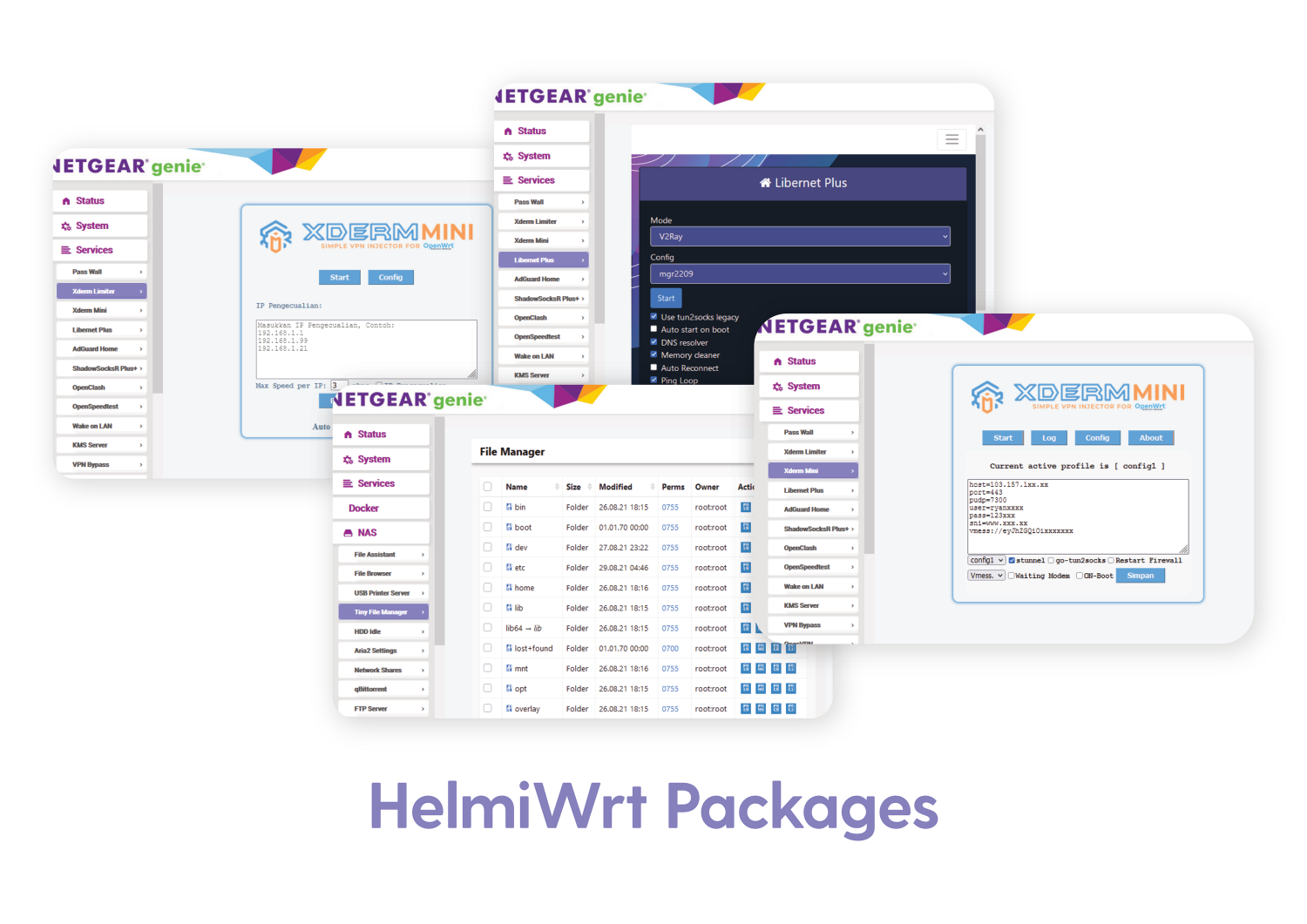
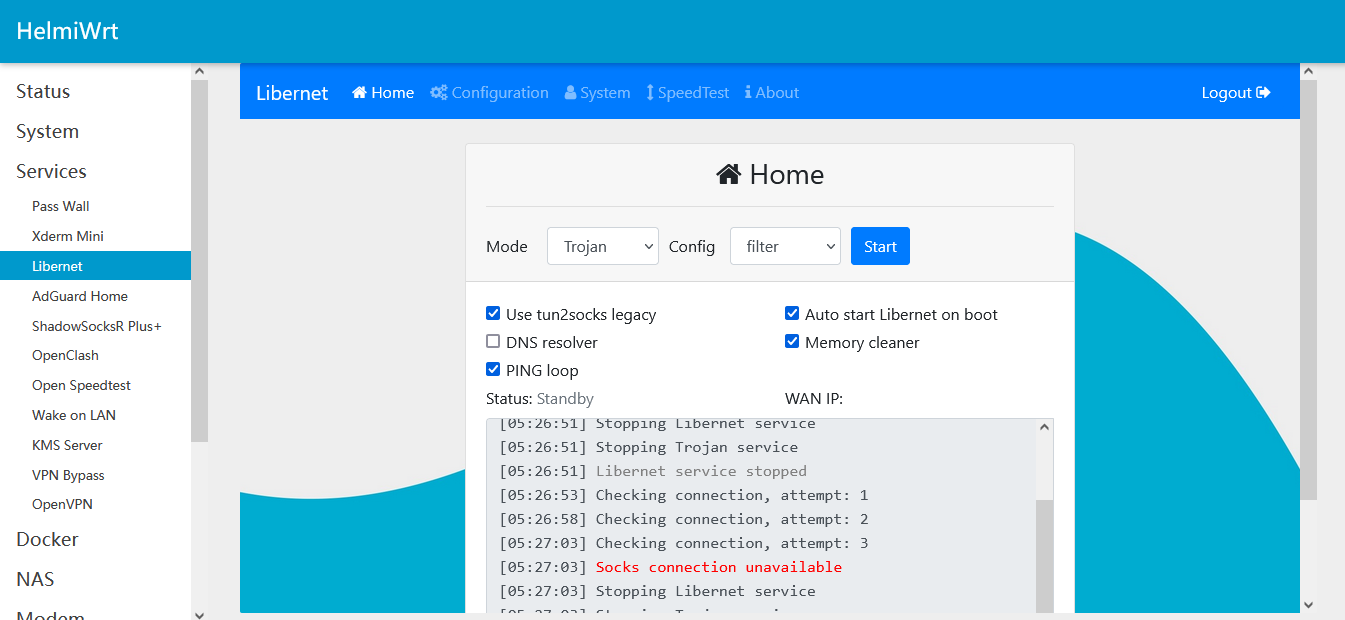
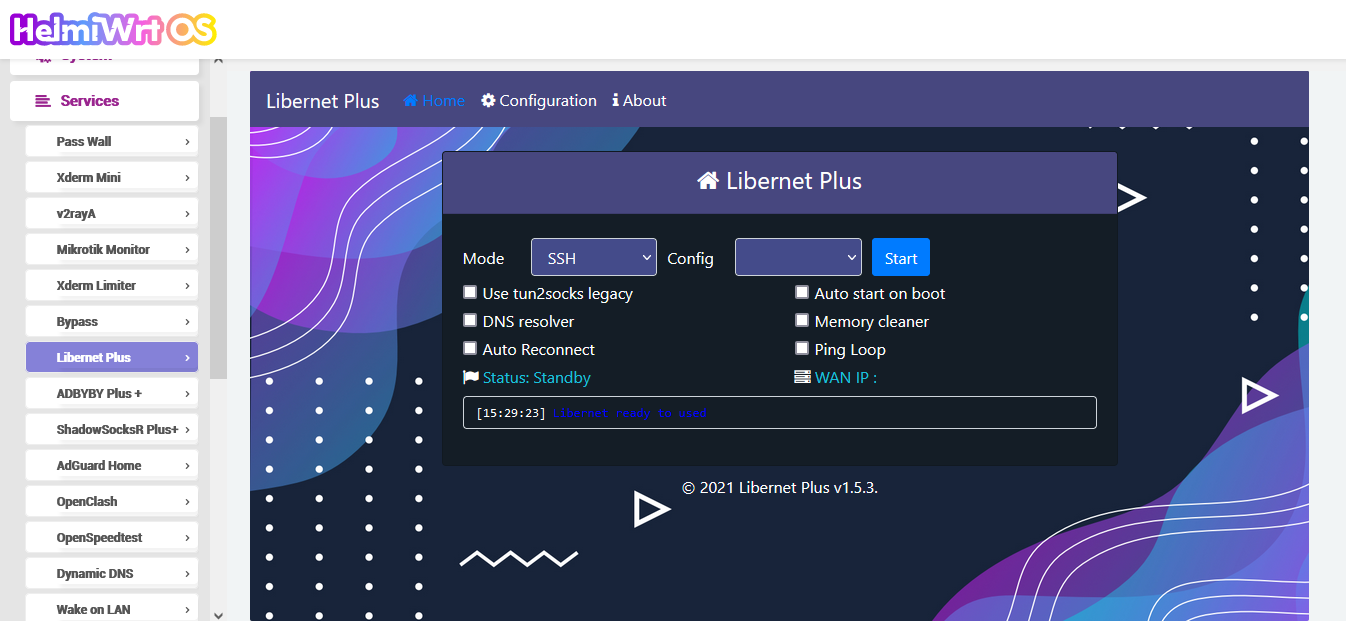
LuCI Libernet App
This package has 3 versions/options :
- luci-app-libernet : LuCI App Libernet Only without binaries.
- luci-app-libernet-bin : LuCI App Libernet + original Libernet binaries.
- luci-app-libernet-plus : LuCI App Libernet + Libernet Plus binaries (remove login page and speedtest, added auto reconnect menu)
Note :
- Please select one of installation above, don’t install all packages.
- This package will be shown under LuCI -> Services -> Libernet
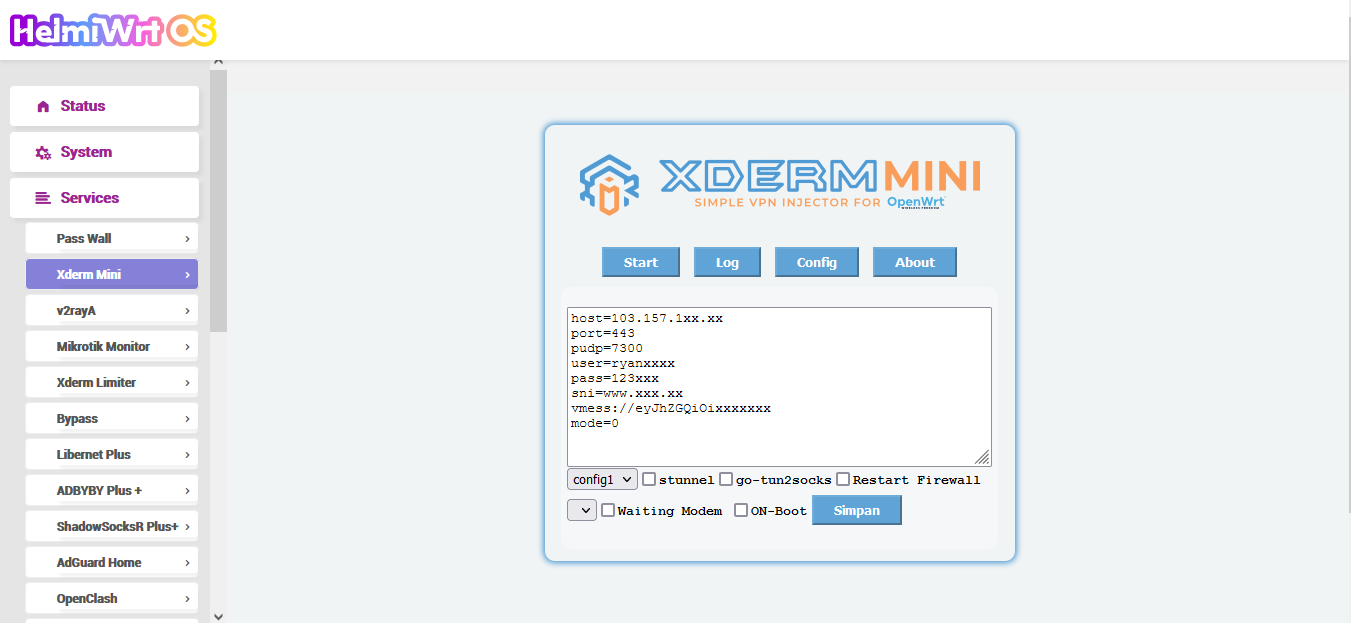
LuCI Xderm Mini App
This package has 3 versions/options :
- luci-app-xderm : LuCI App Xderm Mini Only without binaries
- luci-app-xderm-bin : LuCI App Xderm Mini + original binaries
Note :
- Please select one of installation above, don’t install all packages.
- This package will be shown under LuCI -> Services -> Xderm Mini
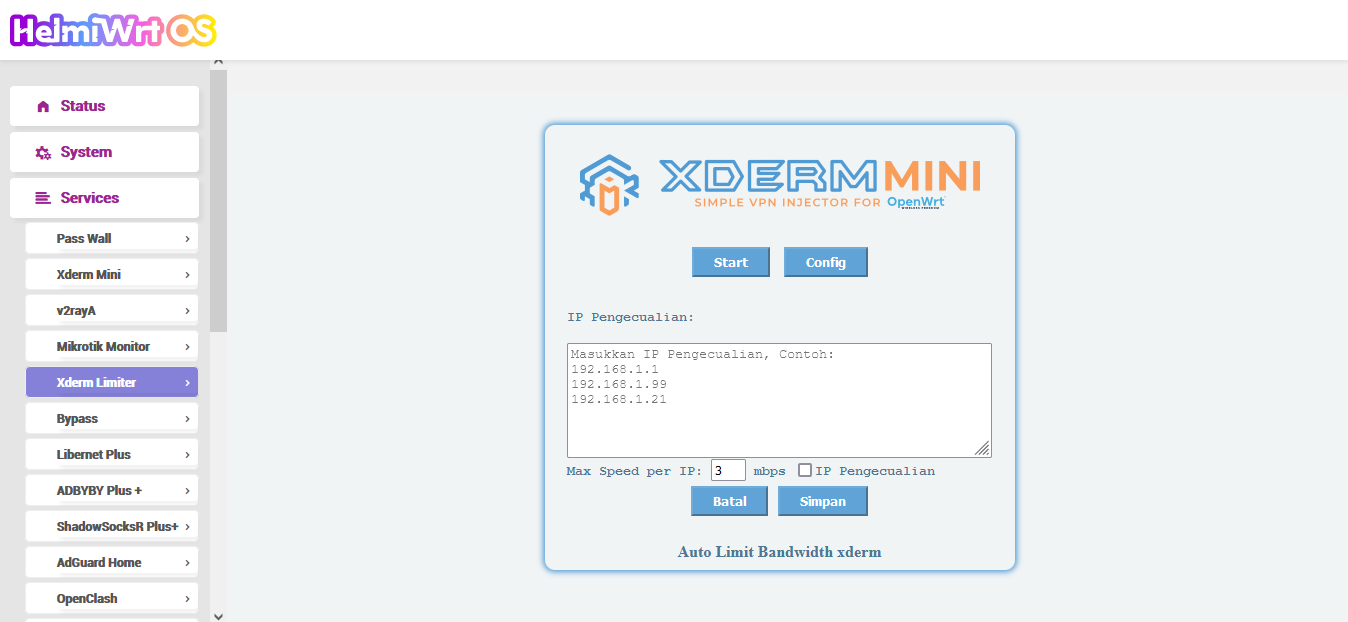
LuCI Xderm Limiter
Xderm Limiter will give internet speed limit to every registered device.
This package will be shown under LuCI -> Services -> Xderm Limiter
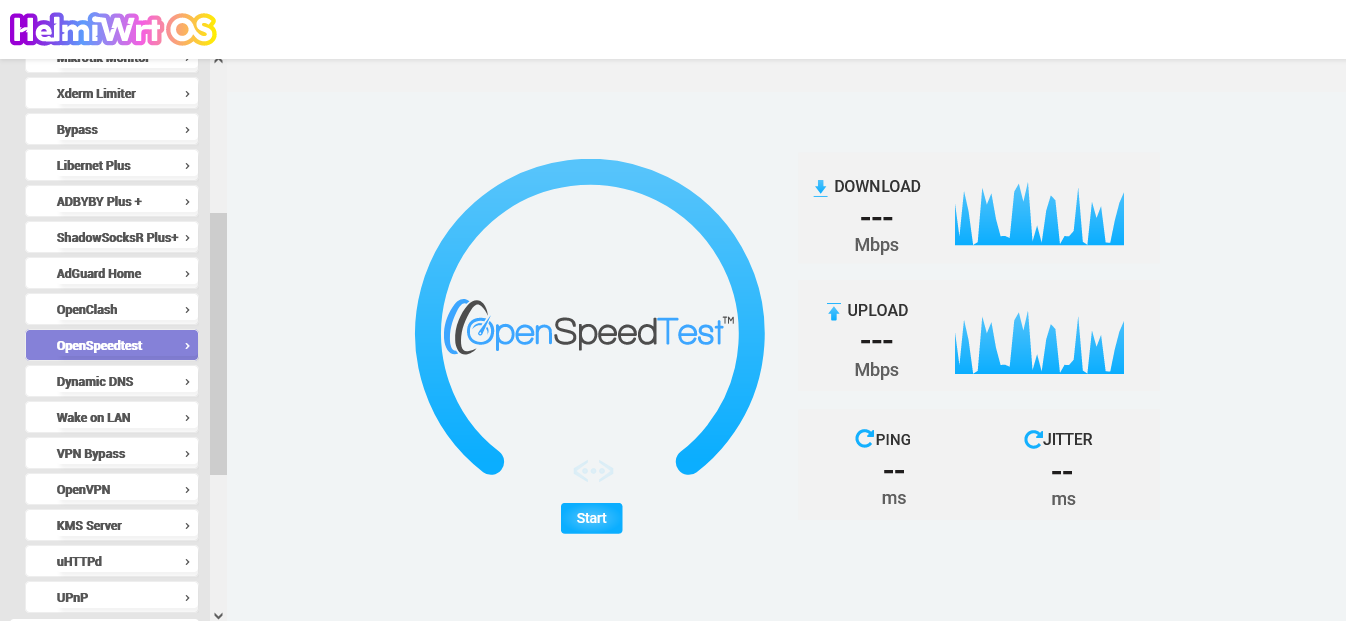
LuCI OpenSpeedtest App
Speedtest by OpenSpeedtest.com, required connections when using this app.
This package will be shown under LuCI -> Services -> OpenSpeedtest
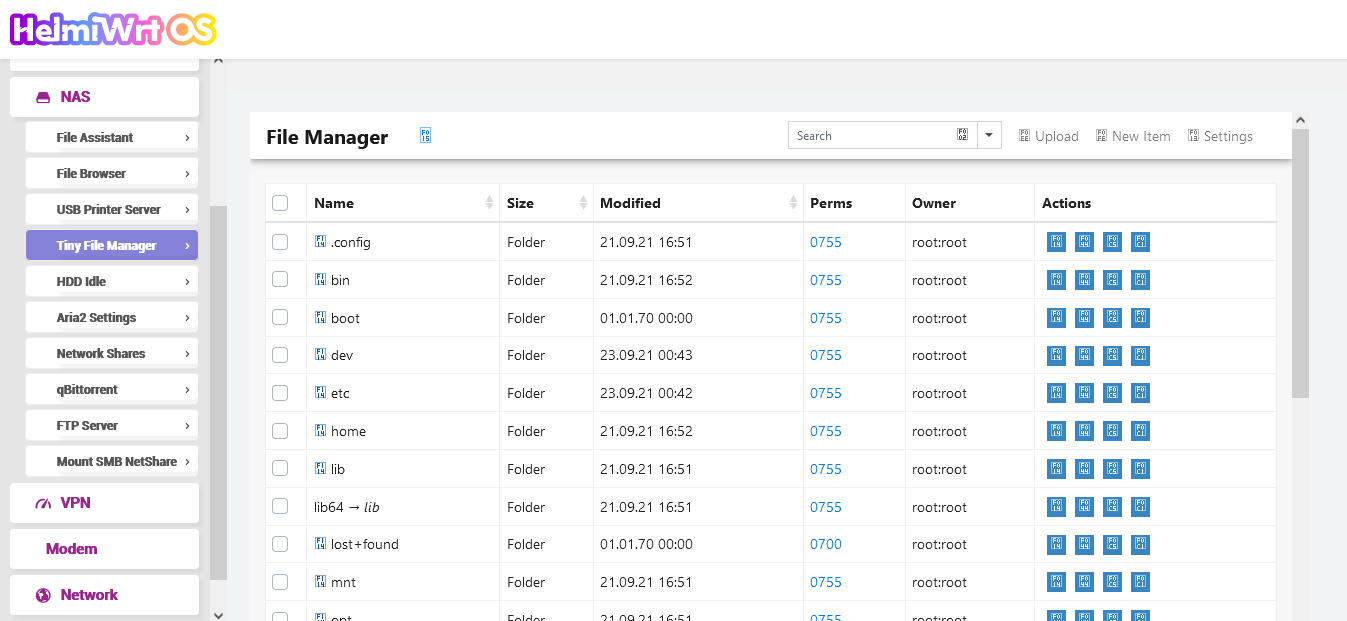
LuCI Tiny File Manager App
File manager by Prasath Mani.
This package will be shown under LuCI -> NAS -> Tiny File Manager
LuCI Shutdown App
This package will be shown under LuCI -> System -> Shutdown
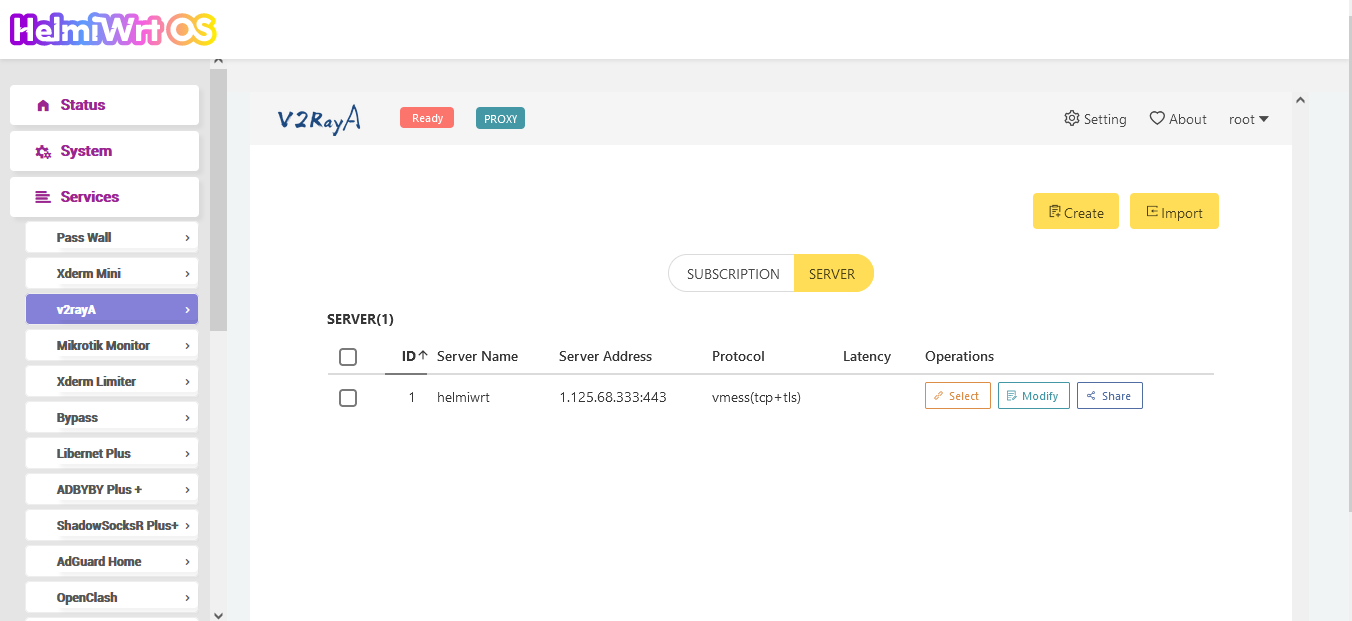
LuCI v2rayA App
This package will be shown under LuCI -> Services -> v2rayA
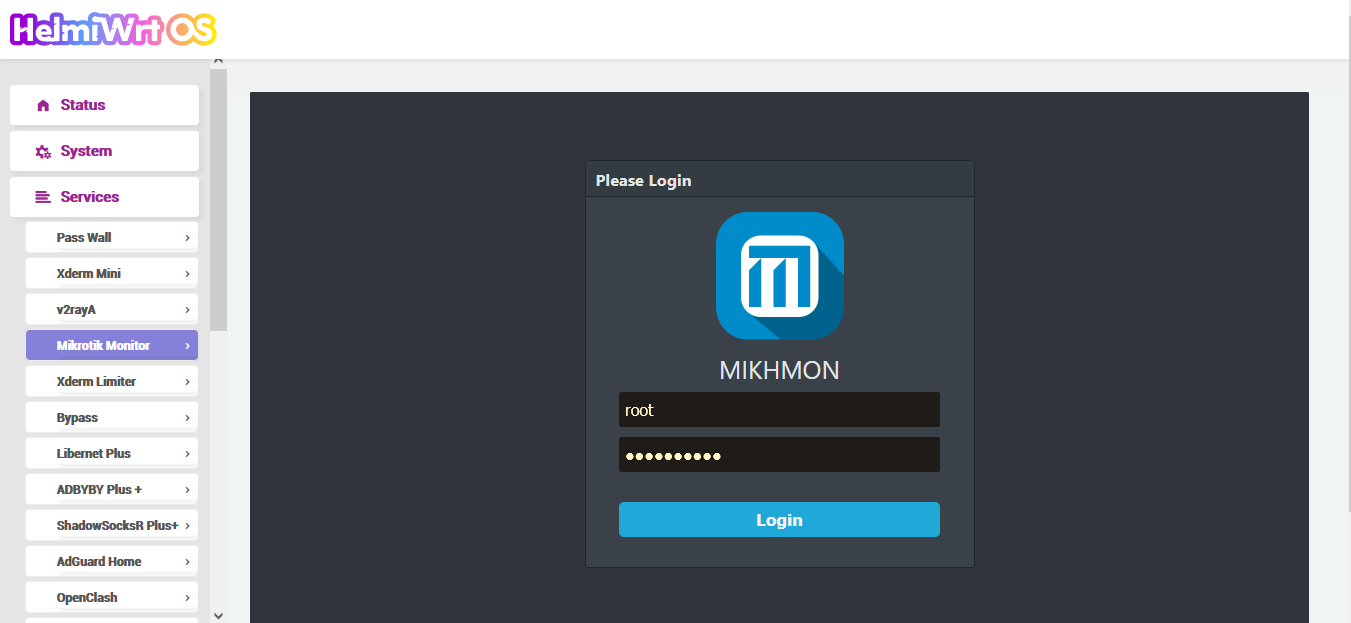
LuCI Mikrotik Monitor App
This package will be shown under LuCI -> Services -> Mikrotik Monitor
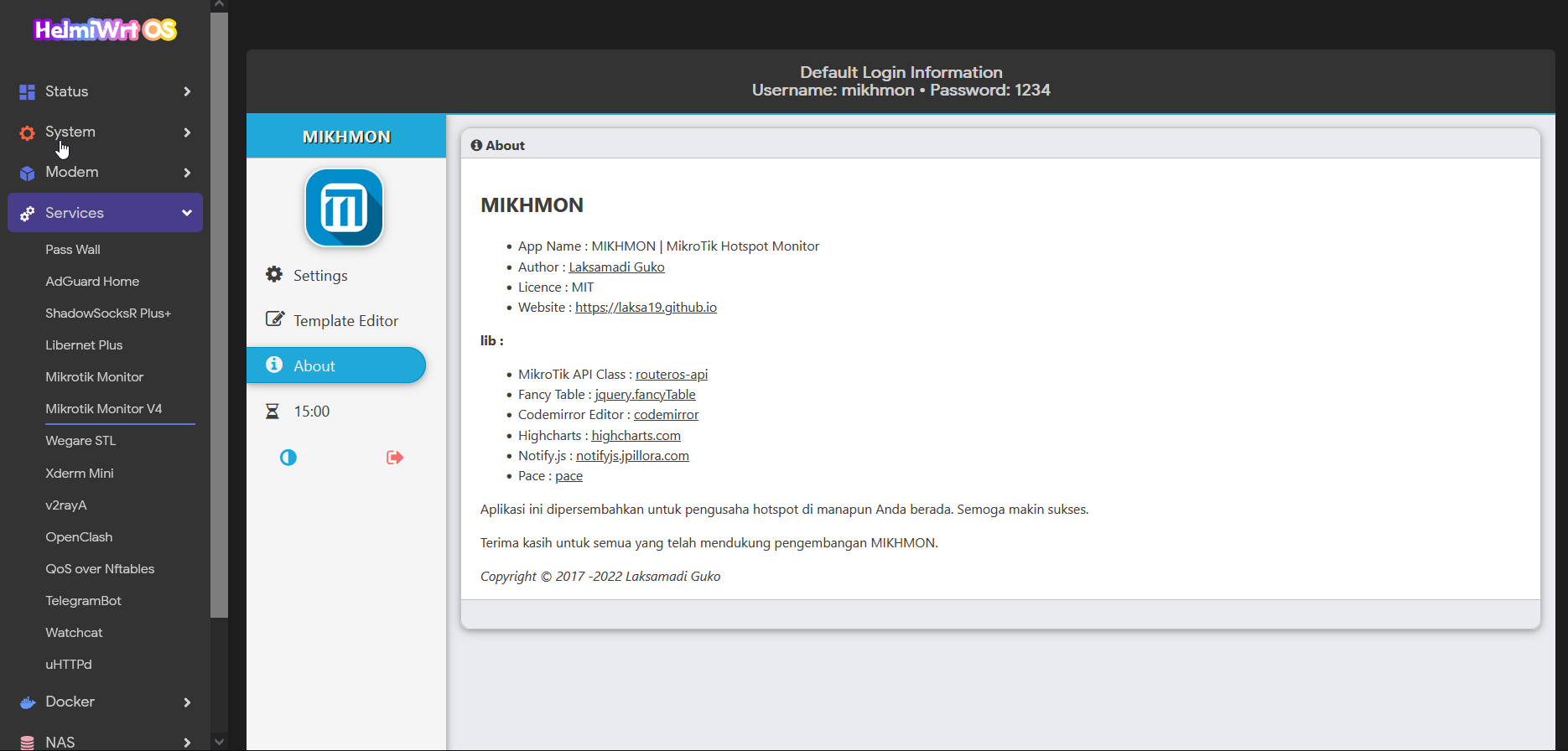
LuCI Mikrotik Monitor V4 App
This package will be shown under LuCI -> Services -> Mikrotik Monitor V4
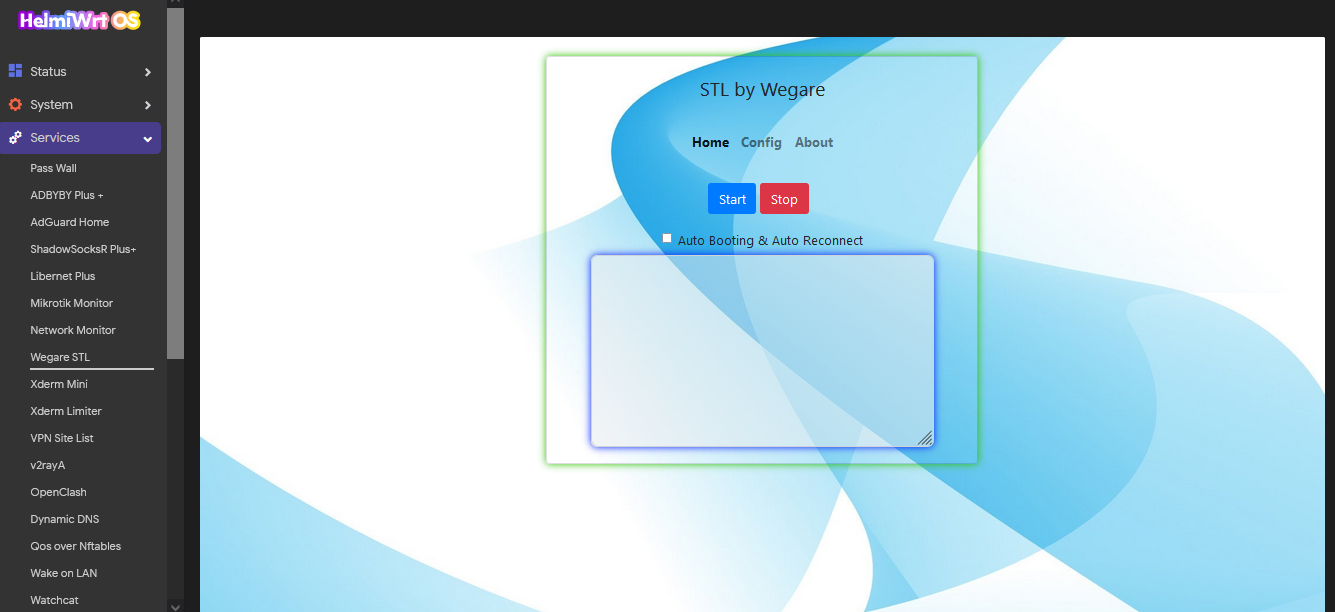
LuCI Wegare STL GUI
This package will be shown under LuCI -> Services -> Wegare STL
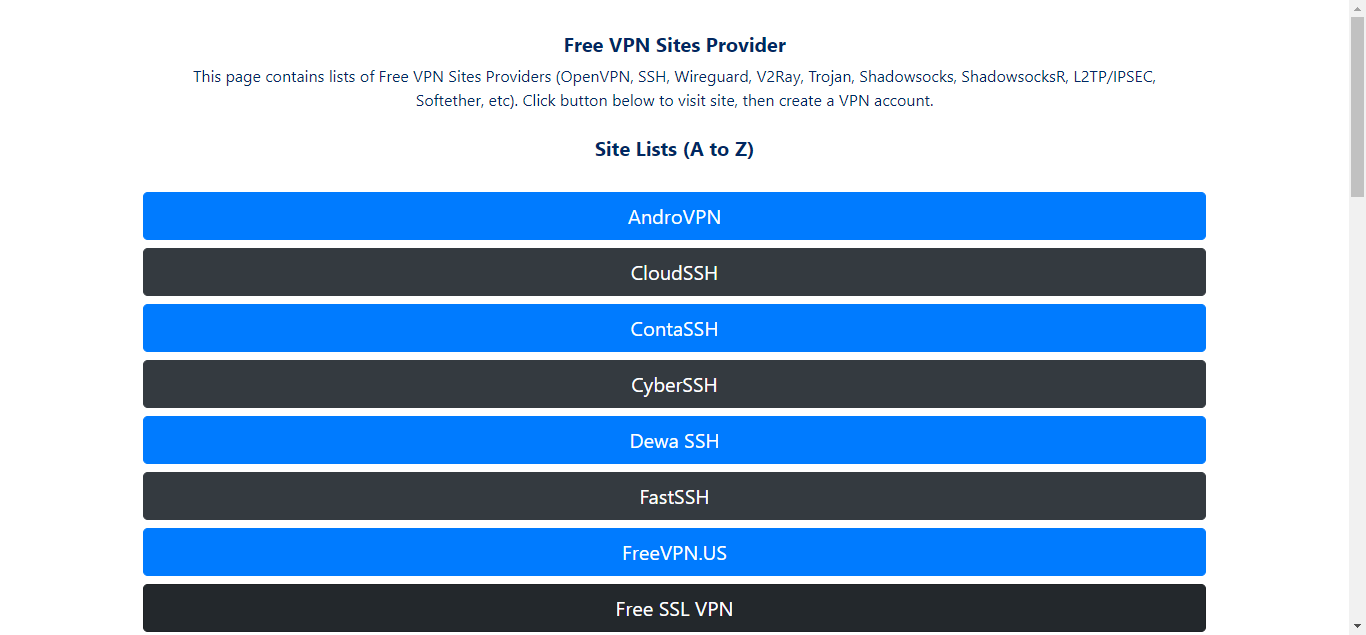
LuCI Free VPN Sites
This package will be shown under LuCI -> Services -> VPN Site List
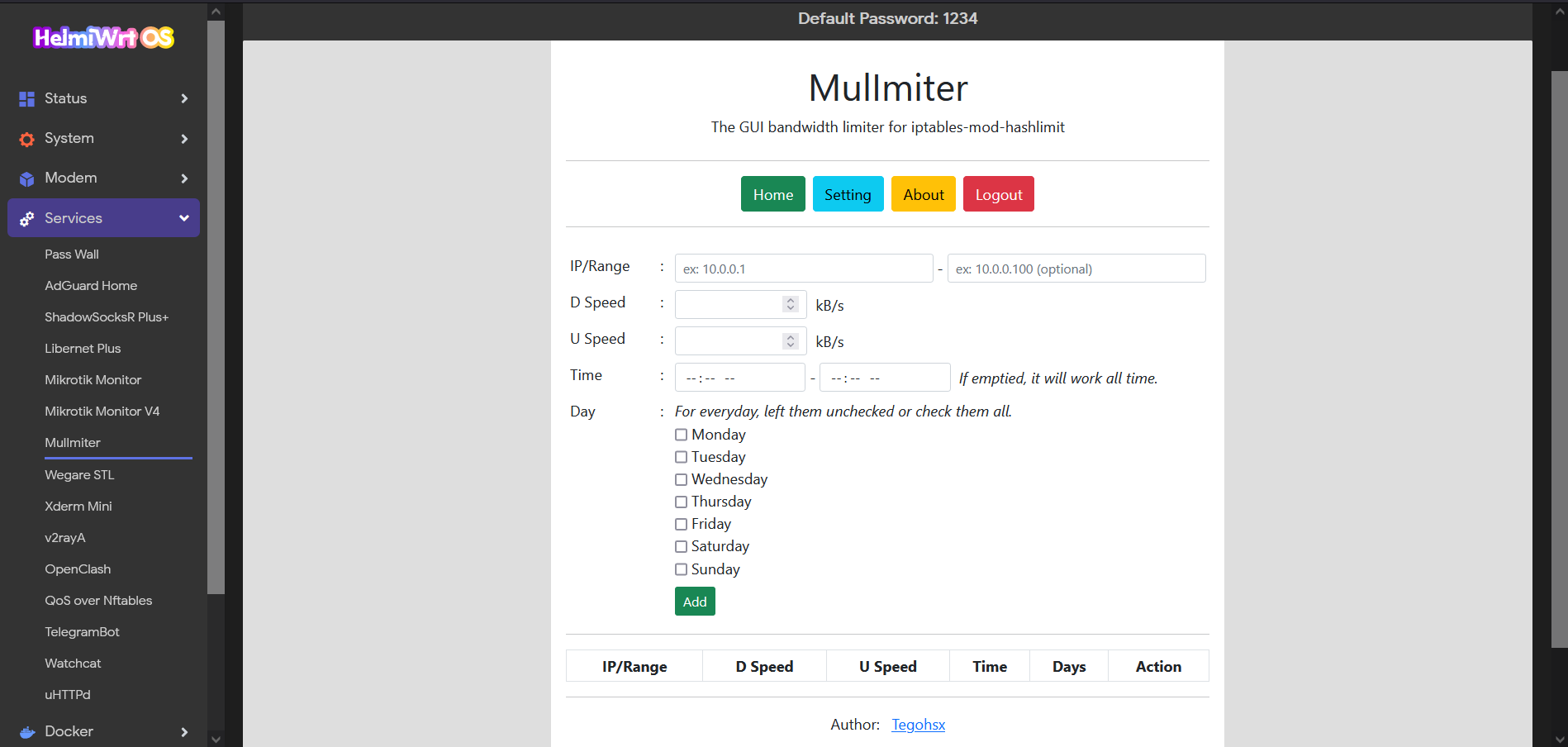
LuCI MulImiter
This package will be shown under LuCI -> Services -> MulImiter
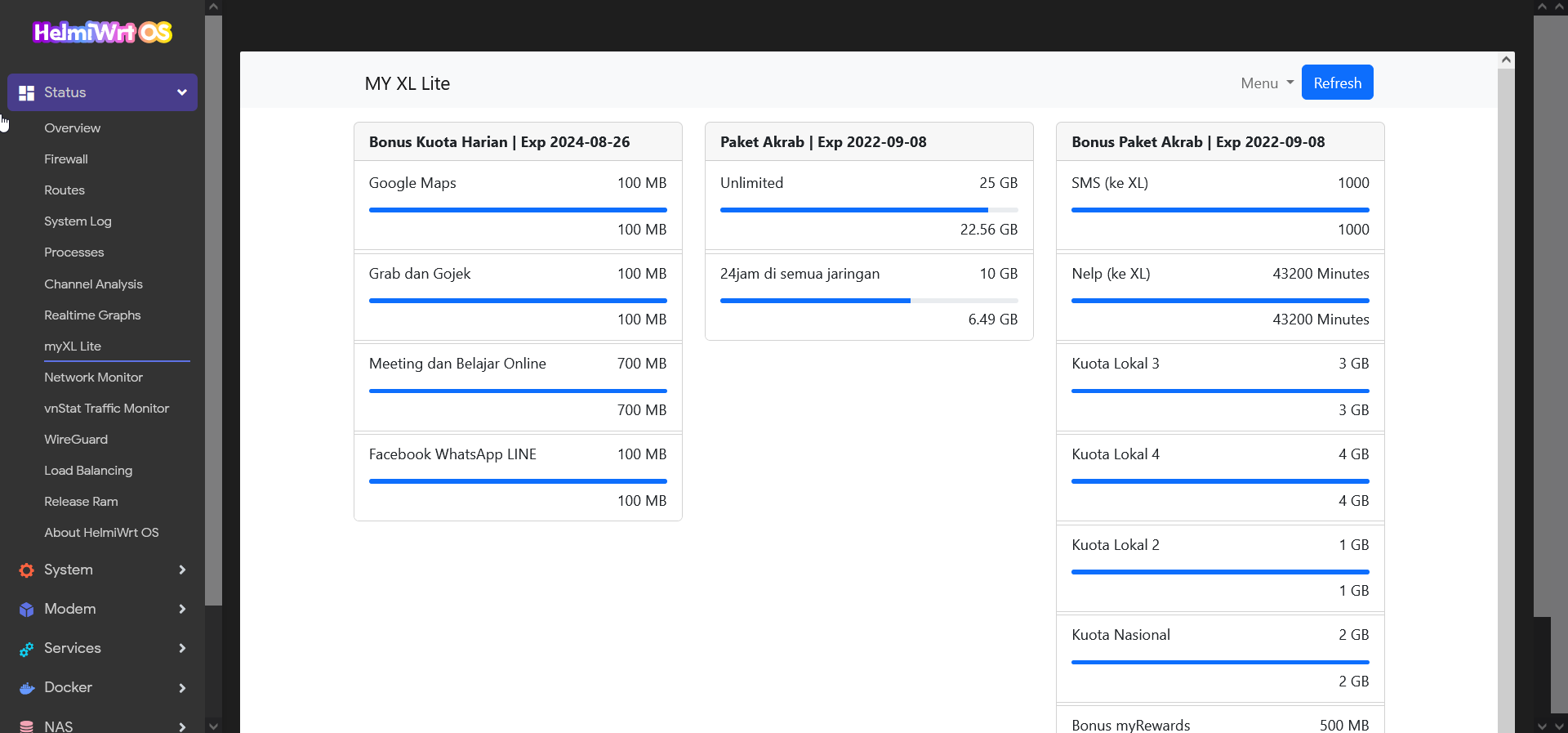
LuCI myXL Lite
This package will be shown under LuCI -> Status -> myXL Lite
Badvpn and Corkscrew
This repository is for archiving badvpn & corkscrew which working with latest snapshot OpenWrt build. Collected by helmiau
tun2socks openwrt v1.999.128 NEW DEC 2020 update by Friyadhi Biermann.
Supported libraries :
NSS
NSPR
badvpn-server
badvpn-client
badvpn-tun2socks
badvpn-udpgw
badvpn-tunctl
badvpn-ncd
badvpn-ncd-request
Build usage
If you want to build these packages manually or adding it to your firmware, do these steps :
-
Git clone this repo to your local files by running this command
git clone --depth=1 https://github.com/helmiau/helmiwrt-packages -
Then add lines below to your .config file
  #HelmiWrt Packages
  CONFIG_PACKAGE_badvpn=y
  CONFIG_PACKAGE_corkscrew=y
  CONFIG_PACKAGE_luci-app-freevpnsite=y
  CONFIG_PACKAGE_luci-app-libernet=n
  CONFIG_PACKAGE_luci-app-libernet-bin=n
  CONFIG_PACKAGE_luci-app-libernet-plus=y
  CONFIG_PACKAGE_luci-app-mikhmon=y
  CONFIG_PACKAGE_luci-app-mikhmon4=y
  CONFIG_PACKAGE_luci-app-mulimiter=y
  CONFIG_PACKAGE_luci-app-myxllite=y
  CONFIG_PACKAGE_luci-app-openspeedtest=y
  CONFIG_PACKAGE_luci-app-shutdown=y
  CONFIG_PACKAGE_luci-app-tinyfm=y
  CONFIG_PACKAGE_luci-app-xderm-bin=y
  CONFIG_PACKAGE_luci-app-xderm=n
  CONFIG_PACKAGE_luci-app-xderm-limit=y
  CONFIG_PACKAGE_luci-app-v2raya=y
  CONFIG_PACKAGE_luci-app-wegare=y
Change n to unuse the package or y to use the package
Installation of IPK file
-
Run commands below to download
hpipkscript to your OpenWRT (choose one of installation method below):wgetinstallation:wget --no-check-certificate https://raw.githubusercontent.com/helmiau/helmiwrt-packages/main/hpipk -O /bin/hpipk && chmod 755 /bin/hpipkcurlinstallation:curl -sL https://raw.githubusercontent.com/helmiau/helmiwrt-packages/main/hpipk > /bin/hpipk && chmod 755 /bin/hpipk -
Then run
hpipkscript using terminal, usage and ipk lists with versions will be shown under terminal.Example: If you want to install Wegare STL, run
hpipk luci-app-wegare_1.0-1_all.ipkusing terminal. -
Some available commands from
hpipkscripthpipk -l : Read lists of available ipks. hpipk appName_ver.ipk : Install appName_ver.ipk. hpipk -fd appName_ver.ipk : Force install appName_ver.ipk ignoring dependencies. hpipk -dl appName_ver.ipk : Download appName_ver.ipk only.
Pemasangan IPK
-
Jalankan perintah dibawah ini di terminal untuk memasang skrip
hpipkpara OpenWRT-mu (pilih salah satu):wgetinstallation:wget --no-check-certificate https://raw.githubusercontent.com/helmiau/helmiwrt-packages/main/hpipk -O /bin/hpipk && chmod 755 /bin/hpipkcurlinstallation:curl -sL https://raw.githubusercontent.com/helmiau/helmiwrt-packages/main/hpipk > /bin/hpipk && chmod 755 /bin/hpipk -
Jalankan perintah
hpipkpada terminal untuk melihat daftar IPK dan versinya.Contoh: Jika ingin memasang Wegare STL, jalankan perintah
hpipk luci-app-wegare_1.0-1_all.ipkdi terminal. -
Beberapa perintah yang tersedia dalah skrip
hpipkhpipk -l : Melihat daftar IPK yang tersedia beserta versinya. hpipk appName_ver.ipk : Install appName_ver.ipk. hpipk -fd appName_ver.ipk : Install paksa appName_ver.ipk tanpa dependencies. hpipk -dl appName_ver.ipk : Hanya unduh appName_ver.ipk.
Credits
- Immortalwrt for LuCI App comparison.
- Helmi Amirudin for making these LuCI App packages.
- Prasath Mani for Tiny File Manager binaries & source.
- OpenSpeedtest for OpenSpeedtest binaries & sources.
- Ambroz Bizjak for main badvpn source.
- agroman.net for main corkscrew source.
- Ryan Fauzi for Xderm Mini & Limiter GUI binaries.
- Lutfa Ibtihaji Ilham for Libernet binaries.
- Galih Prastowo Aji for corkscrew openwrt Makefile.
- Friyadhi Biermann for badvpn openwrt Makefile and update.
- Asrofur Rizqi for clue to build badvpn & corkscrew packages.
- Reyre for building ipk’s from this packages.
- Laksamadi Guko as original mikhmonv3 coder.
- v2rayA as v2rayA web gui creator.
- Nur Rahmat Adi S for helping me to adding OpenClash Config Editor, and STL Wegare GUI.
- Nugroho for helping me to fix some codes and simplify.
- M Nabil Shah Nawwaz for helping me to improve STL Wegare GUI.
- Rizkirmdhn for myXL Lite - XL Axiata package checker including unlimited quota FUP.
- Teguh Santoso for MulImiter - OpenWrt bandwidth limiter through iptables firewall with PHP GUI.
References
- prasathmani/tinyfilemanager
- luci-app-fileassistant
- luci-app-filebrowser
- ryanfauzi1/xderm-mini_GUI
- lutfailham96/libernet
- OpenSpeedtest for Website
- ambrop72/badvpn
- code.google.com/archive/p/badvpn
- hillz2/corkscrew
- patpadgett/corkscrew